
Radar
Everything with an expiry date, on one calendar.
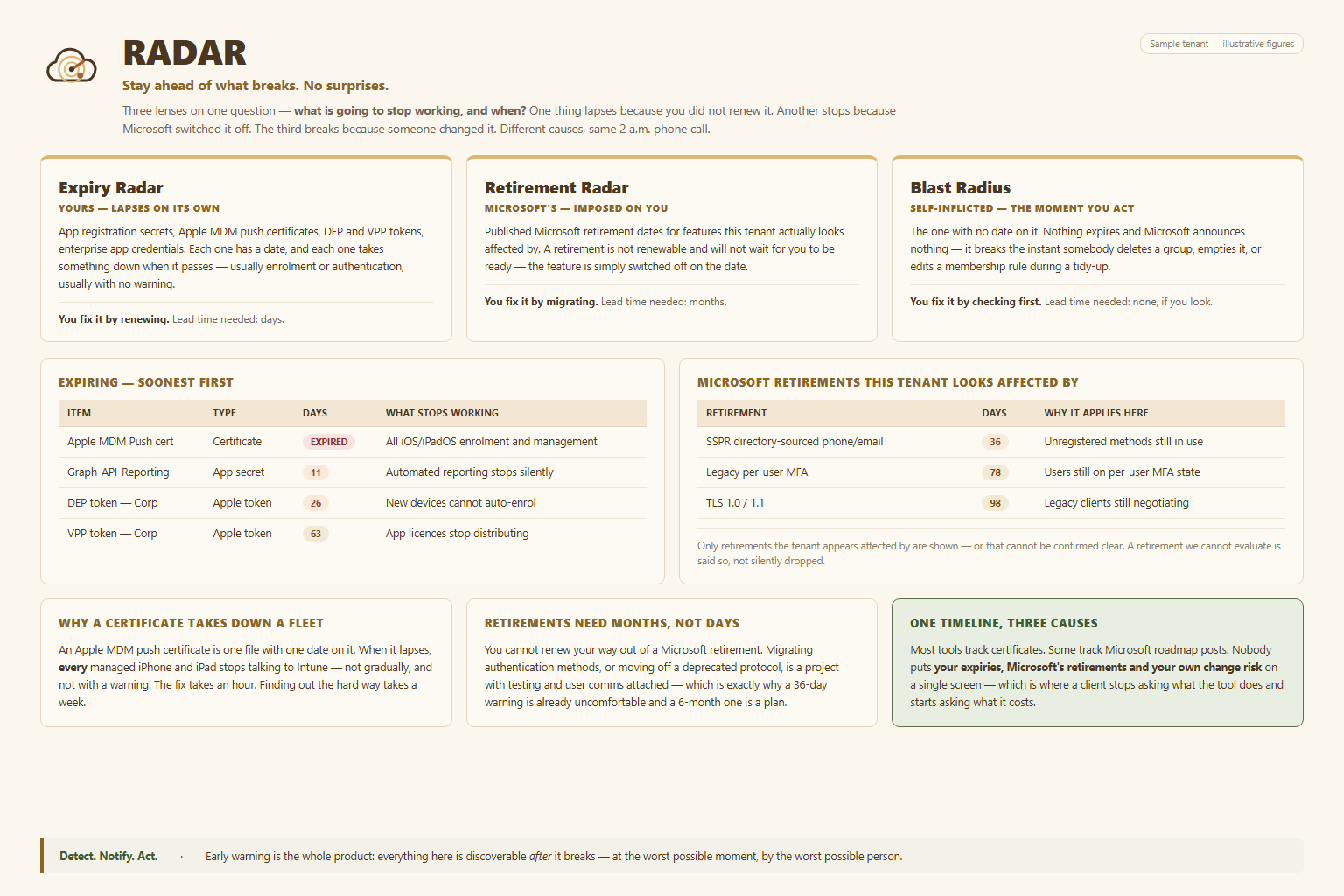
Two different kinds of surprise — things that lapse, and things Microsoft retires out from under you. Both answer the same question: what stops working, and when?
The problem
Nothing warns you on a Friday
An Apple MDM push certificate expires and every managed iOS device stops checking in. An app secret lapses and an integration dies quietly. A signing certificate runs out and nobody notices until deployments fail.
None of these break loudly. They break on a date that was visible months in advance, in a portal nobody had a reason to open.
Radar collects everything in the tenant that has an expiry date, sorts it by how soon it lapses, and puts it in front of you while there is still time to act.
Two radars
Things that lapse, and things that get retired
Yours — and they lapse on a date
Apple MDM push certificates, Apple VPP and enrolment tokens, application secrets and certificates, signing certificates. Objects that live in your tenant, each with a hard expiry, ranked by which one bites first.
You fix it by renewing. Lead time matters.
Microsoft’s — and they arrive on their timetable
Features and authentication methods with published sunset dates. Nothing in your tenant is expiring; Microsoft is simply removing something you currently depend on, and the notice tends to arrive in a message-centre post nobody read.
You fix it by migrating. Lead time matters more.
One timeline, three causes
Certificates lapse. Tokens run out. Microsoft retires features. They have nothing in common except the thing that matters most — each one has a date, and after that date something you rely on stops working. Radar puts all three on a single timeline so you plan once instead of being surprised three separate times.
Find out what expires next
Read-only, a few minutes to run, and nothing changes until you say so.
Email [email protected]